Guang Dong-Hong Kong (GZ) Smart Printing Co., LTD.
News

NEWS

We will broadcast real time self-adhesive label industry information for you

Which Ticket Label setup prevents last-minute entry chaos?

2026-02-06 0 Leave me a message

Article Abstract

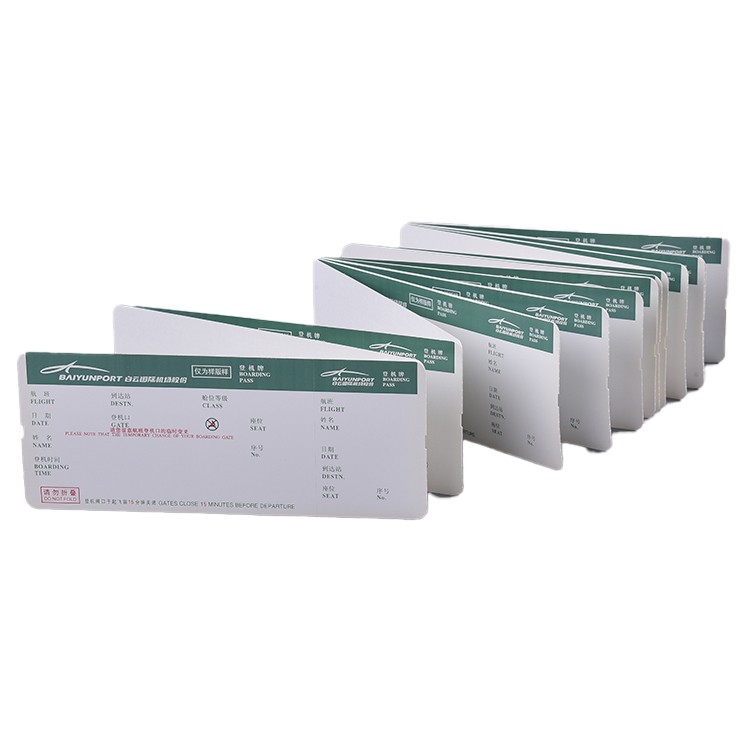
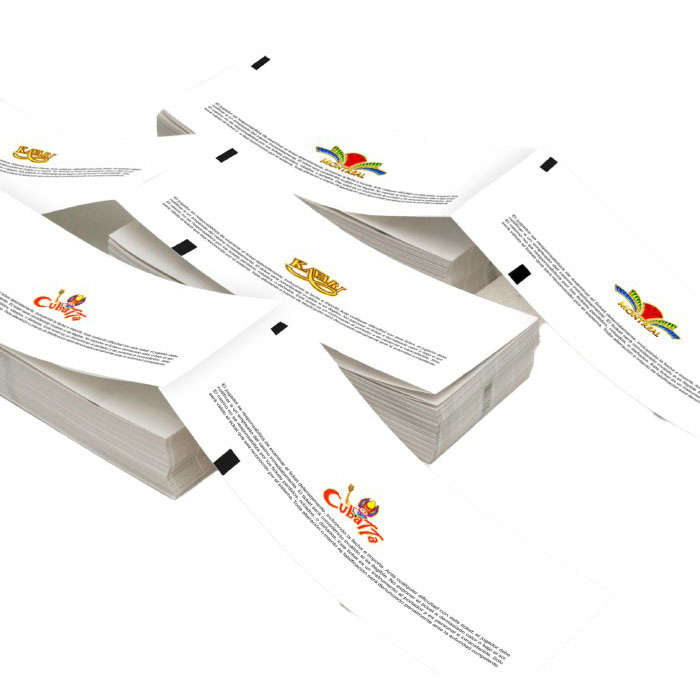
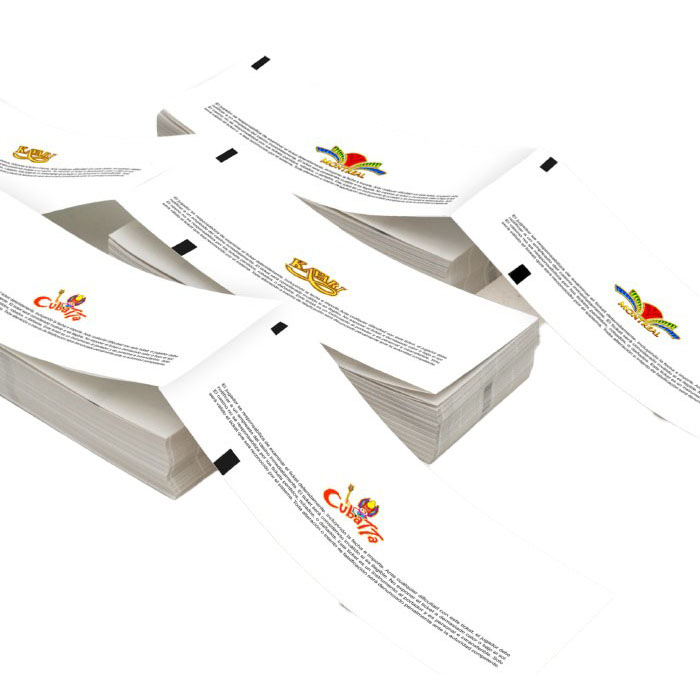
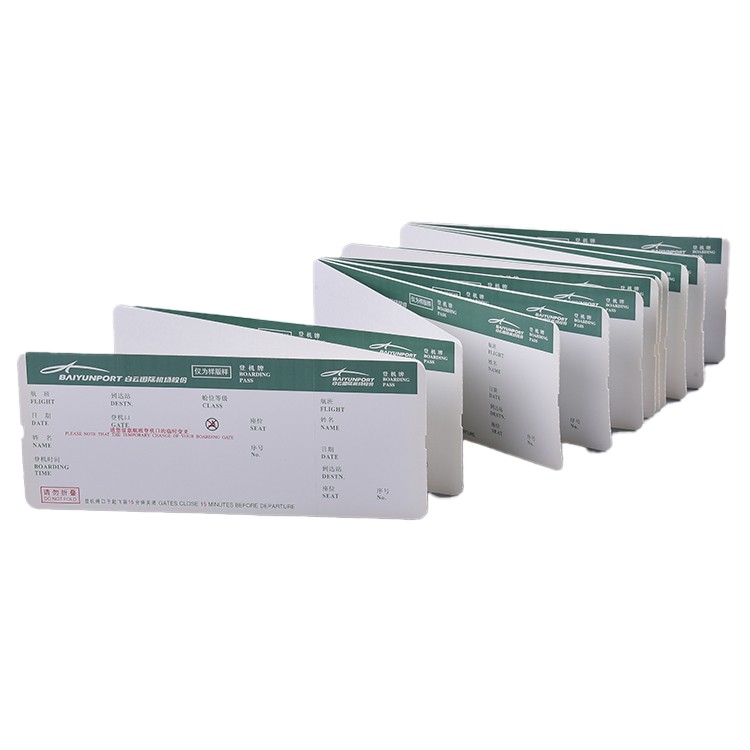
Ticket labels look simple until the doors open and everything breaks at once: scanners fail, adhesive lifts, ink smears, barcodes won’t read, volunteers can’t tell VIP from GA, and the queue turns into a customer service desk. This guide walks through the real-world problems buyers face when choosing a Ticket Label solution and how to fix them with the right materials, adhesives, printing method, data strategy, and quality checks. You’ll get a practical selection framework, a decision table, a pre-order checklist, and an FAQ you can forward to your team.


Outline

  • Identify the failure modes that create long lines and reprints
  • Translate your event scenario into material, adhesive, and print requirements
  • Choose barcode and variable-data rules that scanners love
  • Add security features only where they pay off
  • Use a clean ordering workflow to avoid surprises

Common pain points behind ticket label failures

Most ticket label problems are not “printing problems.” They are workflow problems that show up on labels first. If you recognize any of these, you are not alone:

  • Slow entry lines because codes scan inconsistently or require multiple attempts.
  • Smudging or fading after handling, sweating, light rain, or alcohol wipes.
  • Peeling edges when labels meet curved surfaces, fabric, or textured packaging.
  • Residue complaints when labels are removed from valuable items or display stands.
  • Misclassification when staff cannot quickly distinguish access tiers.
  • Reprints triggered by last-minute data changes or inconsistent numbering rules.
  • Fraud and duplication if the label is easy to copy or swap.

A reliable Ticket Label strategy addresses these issues upfront, before you choose paper, glue, or ink.


What your ticket label must do on event day

Ticket Label

Before talking to any supplier, define the environment and the workflow. The best ticket label is the one that survives your specific reality.

  • Surface and placement
    Is the label applied to paper tickets, plastic cards, gift bags, boxes, wristbands, or equipment? Flat surfaces tolerate more options than textured or curved ones.
  • Handling conditions
    Will staff handle tickets repeatedly? Will attendees keep them in pockets, wallets, or phone cases? More friction means you need better abrasion resistance.
  • Moisture and cleaning
    Outdoor events, kitchens, and venues with sanitizer use can punish weak inks and topcoats.
  • Scan distance and speed
    Fast throughput demands strong contrast and quiet zones around the code.
  • Variable data
    If every label has unique codes, your process must support accurate data merges, proofing, and reconciliation.
  • Security level
    Not every event needs premium security. The goal is to reduce profitable fraud without slowing operations.

Once you have these answers, the label spec becomes a decision, not a guess.


Materials and finishes that hold up under pressure

Material choice is where durability begins. Here are the most common options and what they are good at:

  • Coated paper
    Cost-effective and crisp for text and barcodes. Best for indoor, short-life tickets. Pair with a protective coating if handling is heavy.
  • Thermal paper
    Great for fast on-demand printing, but it can darken with heat, oils, and sunlight. If you use thermal, treat storage and handling as part of the spec.
  • PP or PE film
    Durable against moisture and tearing. Often preferred for outdoor events, refrigerated environments, or tickets that must survive longer.
  • PET film
    Stiffer and more heat-resistant than many films, useful when labels face friction or temperature swings.

Finishes that prevent the “looks fine until it doesn’t” problem

  • Overlamination can protect codes from abrasion and moisture, especially for high-touch tickets.
  • Varnish or topcoat improves rub resistance and can reduce smudging on certain inks.
  • Matte vs glossy matters for scanning. Glossy can reflect under bright lights; matte often scans more consistently in busy entry lanes.

If your staff uses handheld scanners with strong LEDs, test gloss levels early. Many scanning “mysteries” are simply glare.


Adhesives that stay put but do not destroy surfaces

Adhesive problems are a top reason for returns and complaints. The “strongest” adhesive is not always the best. Choose based on application and removal needs.

  • Permanent adhesive
    Best for high-risk tampering scenarios and for surfaces where removal is not expected. Watch out for residue on premium packaging.
  • Removable adhesive
    Designed to peel cleanly from many surfaces. Ideal for rental equipment, display items, or customer-facing packaging where appearance matters.
  • Freezer or low-temperature adhesive
    Helps when labels are applied or used in cold environments where standard adhesives can fail.
  • High-tack adhesive
    Useful for rough surfaces, fabrics, or textured materials, but should be tested because it can increase residue risk.

A simple field test helps: apply sample labels to your actual surface, wait 24 hours, then remove. Repeat after exposure to humidity, cold, or cleaning wipes if those are part of your event.


Printing methods and why they matter for scanning

The print method affects barcode sharpness, durability, and consistency across thousands of labels.

  • Digital printing
    Excellent for short runs, frequent design changes, and variable data. Ideal when you need multiple versions fast.
  • Flexographic printing
    Strong for high-volume, stable designs. Consistent color and efficient at scale when plates are justified.
  • Thermal transfer
    Common for on-demand printing with durable ribbons. Great when you need in-house control, but make sure ribbon and material match your durability goals.

Two scanning rules that save you a lot of pain

  • Prioritize contrast between bars and background. Fancy colors can be a problem if they reduce contrast.
  • Protect the code area from abrasion and glare. A beautiful design that causes rescans is not beautiful on event day.

Data and barcode design for fast validation

Variable data is where teams lose time. The safest approach is to make data rules boring and strict.

  • Choose a barcode format your system truly supports
    Many workflows default to QR, but some entry systems are faster with Code 128 or Data Matrix. Match the code to the scanner ecosystem, not trends.
  • Keep a clean quiet zone
    Leave space around the code. Crowding it with text, borders, or graphics can reduce read rates.
  • Use consistent numbering logic
    Define prefixes, check digits (if used), and length rules. Consistency prevents duplicates and makes audits easier.
  • Design for human fallback
    If a scan fails, staff needs a readable short ID. Put a clear alphanumeric code near the barcode.

When you order a Ticket Label with variable data, ask for a proof that includes real sample records, not only a design mockup.


Practical anti-fraud features that do not slow entry

Security should be proportional. Too much “security theater” can slow entry and create more staff training issues than it solves.

  • Sequential numbering with validation rules
    Simple and effective when paired with back-end validation.
  • Color coding by access tier
    Helps staff instantly separate VIP, press, backstage, and general admission.
  • Tamper-evident materials
    Good for passes that must not be transferred. If someone tries to peel the label, it shows clear damage.
  • Holographic elements
    Useful when counterfeit risk is high. Keep placement consistent so staff can verify quickly.
  • Microtext or fine patterns
    Harder to replicate at low quality, but still quick to visually check.

The key is to keep verification fast: a glance and a scan, not a debate.


Quick selection table

Use this table as a starting point. Final specs should be tested on your actual surface and with your actual scanners.

Use case Recommended material Adhesive type Finish Notes for smooth entry
Indoor concert one-night ticket Coated paper Removable or light permanent Matte varnish Prioritize contrast and glare control for quick scanning
Outdoor festival multi-day pass PP or PET film Permanent Lamination Choose abrasion resistance and moisture tolerance
VIP access stickers for backstage PET film Tamper-evident or permanent Matte or soft-touch laminate Add a clear visual cue plus barcode validation
Retail redemption coupon label Coated paper or film Removable Matte Include readable short code for manual entry fallback
Cold-chain venue or refrigerated storage PET film Low-temperature adhesive Lamination Test adhesion after 24 hours at target temperature

A buyer-friendly ordering process

Here is a practical workflow that reduces rework and protects your schedule:

  1. Define your scenario
    Surface, environment, scan method, security level, and label size.
  2. Request a small material kit
    Include at least one paper option and one film option, plus removable and permanent adhesive samples.
  3. Run a real scan test
    Use the same scanners, lighting, and operator habits you will have on event day.
  4. Confirm variable-data rules
    File format, numbering logic, duplicate checks, and how proofs will be approved.
  5. Lock design constraints
    Protect quiet zones, keep contrast high, and keep tier indicators obvious.
  6. Approve a production proof
    Ask for samples from the actual materials, not only a digital preview.

If you want a partner who understands ticket workflows, a specialist manufacturer such as Guang Dong-Hong Kong (GZ) Smart Printing Co., LTD. can help you translate entry requirements into a label specification that works in the real world, not just on a screen.


Pre-order checklist you can reuse

Ticket Label

  • Do we know the exact surface the label will be applied to?
  • Is the event indoor, outdoor, or mixed?
  • Will labels face moisture, sweat, cleaning wipes, or friction?
  • Which scanners will be used, and under what lighting?
  • What barcode format does the validation system handle best?
  • Do we need human-readable fallback codes?
  • What is the acceptable removal behavior, clean peel or permanent hold?
  • Is tamper evidence required or is it unnecessary complexity?
  • Do we have a variable-data file process with duplicate checks?
  • Have we tested samples for 24 hours on the real surface?

FAQ

Q1 What is the most common reason ticket labels fail at check-in?

A Poor scan consistency caused by low contrast, glare, damaged code areas, or design elements crowding the barcode. Material durability and finish choice usually fix it faster than changing scanners.

Q2 Should I choose glossy labels for a premium look?

A Gloss can look great but may reflect harsh venue lighting and reduce scan speed. If you want a premium feel, consider a matte laminate or a controlled gloss area while keeping the code zone low-glare.

Q3 Do I need tamper-evident labels for every event?

A No. Use tamper evidence when transfer or duplication creates real financial risk. For low-risk events, strong validation plus clear tier visuals can be enough and keeps operations simpler.

Q4 How do I avoid residue complaints when labels are removed?

A Choose a removable adhesive and test it on the real surface after 24 hours. Removal performance depends on surface coating, temperature, and time, so sampling is not optional.

Q5 What is the safest way to handle variable data for unique codes?

A Use a controlled file format, define strict numbering rules, request a proof with real records, and confirm how duplicates are detected. Also include a readable short ID for manual entry if scanning fails.

Q6 Can I print ticket labels in-house instead of ordering pre-printed rolls?

A Yes, if your workflow benefits from last-minute changes. Thermal transfer can be durable with the right ribbon and material pairing, but you should still test abrasion and scan performance under real conditions.

Q7 How many sample labels should I test before placing a large order?

A Test enough to mimic reality: at least a few dozen applied to real surfaces, handled by real people, scanned under real lighting, and removed after time has passed. Small tests often reveal big issues early.


If you want ticket labels that scan fast, stay readable, and fit your exact workflow, treat the label as part of your entry system, not an afterthought. Share your scenario, surface, environment, and data requirements, and we can help you narrow the best Ticket Label configuration for your event and timeline. Ready to move from guessing to a spec you can trust, contact us.

Back to top

Related News
Leave me a message
X
We use cookies to offer you a better browsing experience, analyze site traffic and personalize content. By using this site, you agree to our use of cookies. Privacy Policy
Reject Accept